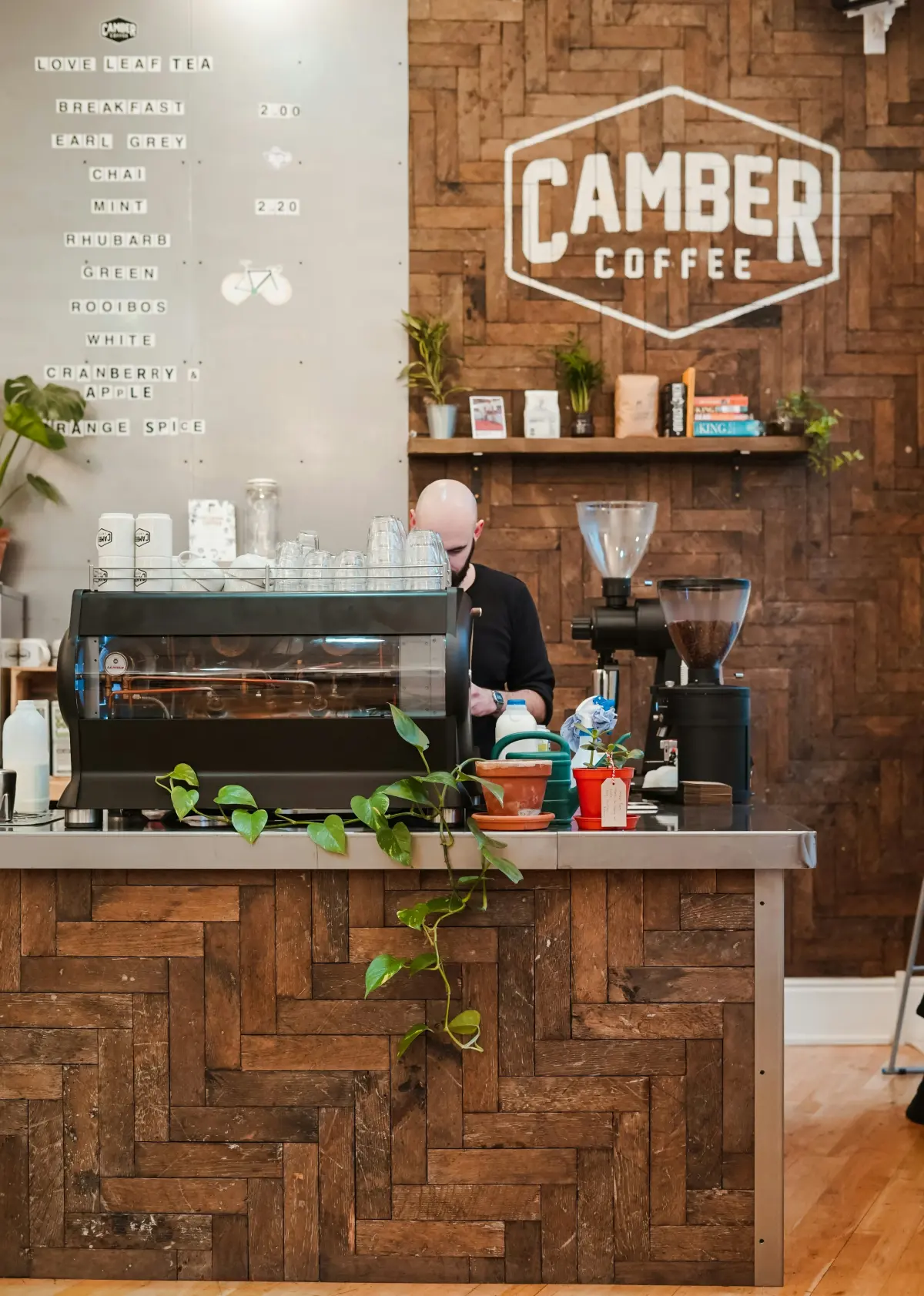
Running a cafe involves more than preparing great coffee and serving delicious food. You also need to manage customer orders, update menu prices, answer WhatsApp messages, and make sure customers can easily find your business online.
For many small cafe owners, creating a website or setting up an online ordering system sounds expensive and complicated. Hiring a developer, managing technical settings, and paying monthly fees can make the process even more challenging.
But getting your cafe online doesn't have to be difficult.
With SabkaBiz, you can create a digital menu for your cafe, share it with customers through a unique link or QR code, and receive order requests directly on WhatsApp — without hiring a developer.
In this guide, you'll learn how to create an online menu for your cafe in a few simple steps.
Why Does Every Cafe Need an Online Presence?
Today, customers often search online before visiting a cafe. They want to check the menu, compare prices, explore available items, and find contact information before deciding where to eat.
If your cafe doesn't have an online presence, potential customers may find it difficult to discover your business or see what you offer.
Having a digital presence can help your cafe:
- Show your menu anytime: Let customers browse your food and drink options without asking for a physical menu.
- Save time: Reduce repetitive questions about menu items, prices, and availability.
- Reach more customers: Share your digital menu through WhatsApp, Instagram, Facebook, and other platforms.
- Build customer trust: Present your cafe professionally with product photos, descriptions, and prices.
- Make ordering easier: Allow customers to send their selected items directly to your WhatsApp.
An online menu gives customers a convenient way to explore your cafe, even when they aren't physically inside your business.
Why Traditional Ways of Going Online Can Be Difficult
Many small cafe owners believe that going digital requires building a complete website, hiring a developer, or joining a third-party food delivery platform.
However, these options may not always suit a small cafe.
Here are some common challenges:
1. Building a Website
A traditional website may require development costs, hosting, maintenance, and technical knowledge. This can be unnecessary for a cafe that simply wants to display its menu and receive customer enquiries.
2. Using Food Delivery Platforms
Food delivery marketplaces can help businesses reach customers, but their commission structures and platform requirements may not suit every small cafe.
3. Managing Orders Manually
Sharing menu photos and prices repeatedly through WhatsApp can become time-consuming, especially when your menu changes regularly.
For a small cafe with a limited menu, a simple digital catalogue may be a more practical starting point.
The Simple Solution: Create Your Cafe's Digital Menu with SabkaBiz
SabkaBiz helps small businesses create their own digital catalogue without complicated website development.
You can add your cafe's menu items, upload photos, display prices, and share your digital page with customers.
Here's how to get started.
How to Create an Online Menu for Your Cafe in 4 Simple Steps
Step 1: Register for a Free SabkaBiz Account
Visit SabkaBiz and create your account.
Get started without hiring a developer or setting up a complicated website.
Step 2: Add Your Cafe Menu
Once your account is ready, start adding your menu items.
You can include:
- Food and beverage names
- Product photos
- Menu prices
- Item descriptions
Organize your products so customers can easily browse your cafe's offerings.
Step 3: Get Your Digital Menu Link and QR Code
After creating your digital catalogue, you can share your unique cafe page with customers.
You can also use your QR code in different places, such as:
- Cafe tables
- Billing counters
- Printed menus
- Takeaway packaging
- Promotional materials
Customers can scan the QR code using their smartphones and access your digital menu.
Step 4: Receive Customer Order Requests on WhatsApp
Make ordering more convenient by allowing customers to send their selected menu items through WhatsApp.
When customers tap the order button, a pre-filled WhatsApp message opens with their selected items. They can review the message and send it directly to your business.
You receive the order request on WhatsApp and can communicate with the customer to confirm availability and finalize the order.
This gives you a direct way to manage customer enquiries without relying entirely on third-party ordering platforms.
What Do You Get with SabkaBiz?
SabkaBiz provides useful tools to help small businesses establish their digital presence.
With your cafe's digital catalogue, you can:
- Create your own online cafe page.
- Display menu items with photos and prices.
- Share a unique digital catalogue link.
- Generate a QR code for easy customer access.
- Receive customer order requests through WhatsApp.
- Let customers browse your menu without downloading an app.
You can start building your digital presence without the complexity of developing a traditional website.
How Does a QR Code Menu Work for a Cafe?
Imagine a customer walks into your cafe and takes a seat.
Instead of waiting for a physical menu, they simply scan the QR code displayed on the table.
Your digital menu opens on their smartphone. They can browse food items, check prices, view photos, and select what they want to order.
If they want to place an order, they can use the WhatsApp ordering option to send their selected items directly to your cafe.
This makes the menu-access experience quicker and more convenient for both customers and cafe owners.
Frequently Asked Questions
1. Can I create an online menu for my cafe for free?
Yes. SabkaBiz offers a free way to create a digital catalogue for your cafe, subject to its available features and terms.
2. Do I need a developer to create a digital menu?
No. You can create your catalogue by registering, adding your products, uploading photos, and entering prices.
3. Can customers access my cafe menu using a QR code?
Yes. You can share your digital catalogue through a QR code. Customers can scan it using their smartphone to view your menu.
4. Can I receive cafe orders through WhatsApp?
Yes. Customers can select menu items and use the WhatsApp ordering option to send their order requests directly to your business.
5. Do customers need to download an app?
No separate SabkaBiz app download is required for customers to browse your digital catalogue through its shared link or QR code.
6. Can I update my cafe menu later?
You can manage your digital catalogue and update product information as your menu changes, using the available catalogue management features.
Get Your Cafe Online with SabkaBiz Today
Your cafe deserves more than just a physical menu.
Give your customers an easier way to discover your food, explore your menu, and contact your business online.
With SabkaBiz, you can create a digital cafe catalogue, share it through a unique link or QR code, and receive customer order requests through WhatsApp.
No developer. No complicated setup. Just a simpler way to take your cafe online.
Ready to get started?